· Letter Case Converter Team · Case Conversion · 3 min read
How to Standardize Case Conversion for a Consistent Brand Voice
Practical case-conversion workflow for Standardize case conversion for a consistent brand voice, with consistency rules, exception handling, and quality checks.
Most readers arrive here because they need a fast and reliable way to solve the task online.
Build a practical case conversion policy for headings, UI labels, and editorial content. The goal is to reduce trial-and-error and give you a repeatable process you can reuse.
Quick Answer
For the fastest reliable result:
- start with a small sample before you run a full batch
- apply one transformation at a time so errors are easy to isolate
- validate output in the same environment where it will be published or used
This pattern is simple but removes most avoidable rework.
Step-by-Step (Online)
- Define the exact result you need and prepare a representative input sample.
- Run the main transformation with Sentence Case Converter.
- Clean supporting structure or edge cases with Headline Capitalization.
- Verify the final output with Text Cleaner before publishing or sharing.
- Compare input and output side by side, then document the settings used.
- Only after sample validation, process the full dataset.
Real Use Cases
- enforce consistent capitalization
- standardize headings and UI copy
- protect brand term casing
FAQ
When should I use sentence case vs title case?
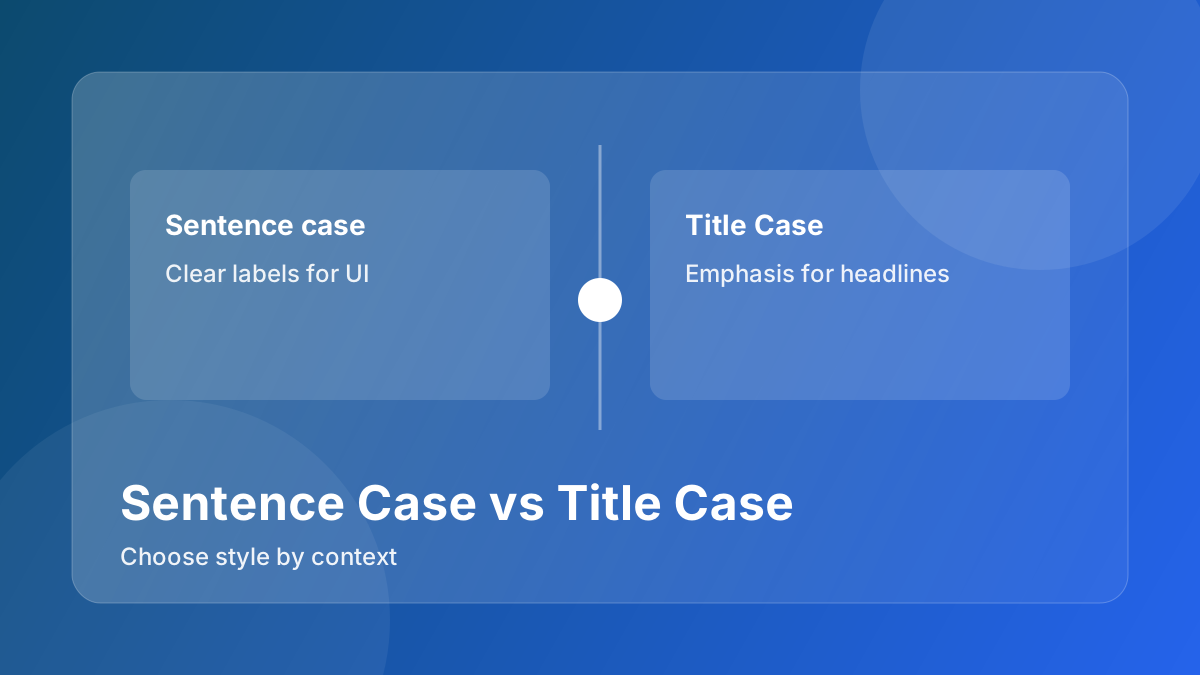
Use sentence case for UI labels and support copy; use title case for headlines and major content headings. This helps when working on Standardize Case Conversion for a Consistent Brand Voice.
How do I avoid brand-name corruption?
Whitelist brand terms and acronyms before applying automatic case conversion.
Can I apply conversion to bulk content?
Yes, but validate a sample first and keep protected terms unchanged across all records.
What is the best way to handle acronyms?
Define acronym rules explicitly so tools do not convert them into standard words.
How do I keep consistency across channels?
Use one style guide and apply the same conversion logic for web, email, and product surfaces.
Should I convert everything automatically?
No. Always review names, legal terms, and UI tokens that may require manual casing.
How do I verify output quality?
Run spot checks on headings, labels, and metadata where case errors are most visible.
What is a practical team process?
Store preferred case presets and review exceptions in a shared editorial checklist.
Related Tools
Related Reading
- Sentence Case vs Title Case for Headlines and UI Copy
- Text Formatting Workflow for Clean, Publish-Ready Content
- SEO Writing Framework: From Search Intent to Snippet
Explore This Topic Cluster
- Case Conversion Topic Cluster
- Pillar Guide: How to Standardize Case Conversion for a Consistent Brand Voice
- Case Conversion Articles
- Case Conversion Tools
Detailed Notes
Case consistency is one of the easiest quality wins in content operations.
When teams mix title case, sentence case, and random capitalization, readers notice inconsistency even if they cannot name it. The content feels less trustworthy.
This guide shows how to define and enforce case rules without overcomplicating your style guide.
Pick Simple Default Rules
A practical baseline for most teams:
- Sentence case for long-form body copy and help content
- Title case for blog headlines and campaign landing headers
- Lowercase for technical tags and machine labels where needed
Use Sentence Case Converter and Headline Capitalization to enforce this quickly.
Protect Brand and Product Terms
Automated case conversion can break terms like:
- iPhone
- YouTube
- eCommerce
- API-specific names
Maintain a protected-term list and review output before final publish.
Case Conversion Workflow for Teams
- Normalize raw text first with Text Cleaner.
- Apply default case conversion.
- Manually restore protected terms.
- Run a final heading scan in CMS preview.
This sequence balances speed with editorial control.
Where Teams Usually Fail
- Case policy exists but is too vague to apply.
- Rules differ between product, marketing, and support teams with no mapping.
- No QA step before publishing.
Build a One-Page Policy
Your policy should include:
- default case by content type
- exception list for brand/product terms
- examples of correct and incorrect casing
- final QA owner
A one-page policy is more useful than a long document no one follows.