· Letter Case Converter Team · HTML Best Practices · 4 min read
How to Format HTML Properly: Best Practices for Modern Teams
Practical HTML workflow for Format HTML properly: best practices for modern teams, with structure checks, validation steps, and safer publishing practices.
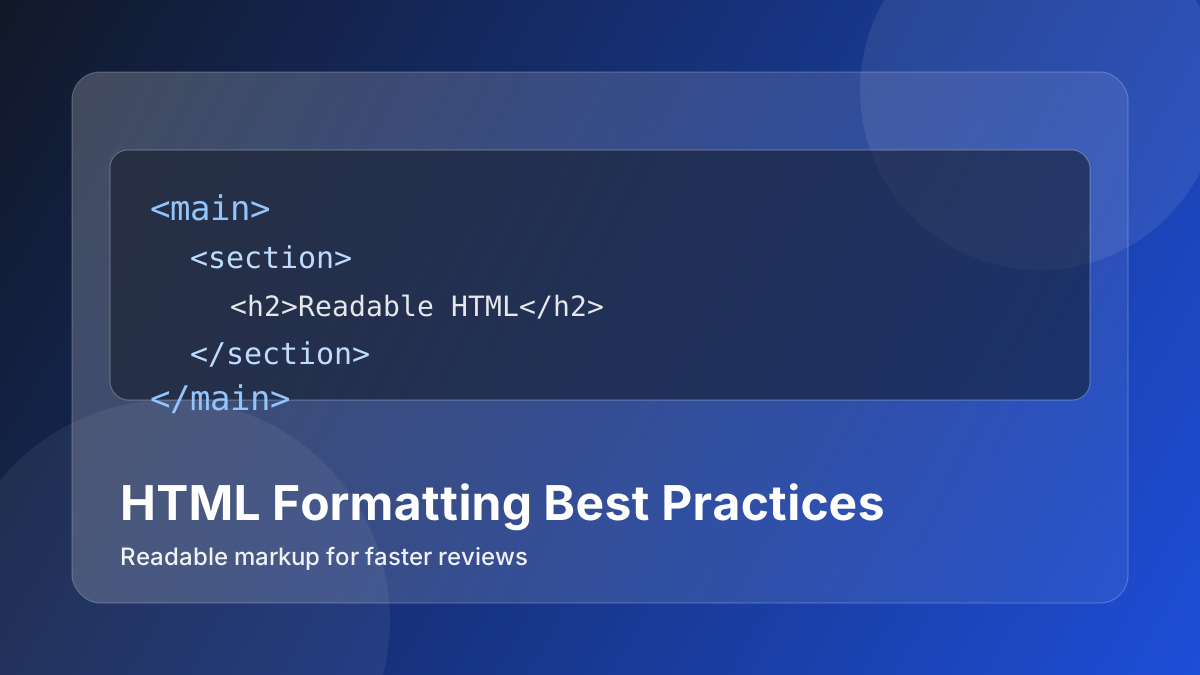
If you searched for this topic, you likely want clear steps you can apply immediately, not theory-heavy notes.
A practical guide to formatting HTML for readability, easier debugging, and cleaner pull requests. The goal is to help you get a correct output on the first pass and avoid rework.
Quick Answer
For the fastest reliable result:
- start with a small sample before you run a full batch
- apply one transformation at a time so errors are easy to isolate
- validate output in the same environment where it will be published or used
This pattern is simple but removes most avoidable rework.
Step-by-Step (Online)
- Define the exact result you need and prepare a representative input sample.
- Run the main transformation with HTML Formatter.
- Clean supporting structure or edge cases with CSS Formatter.
- Verify the final output with Plain Text Converter before publishing or sharing.
- Compare input and output side by side, then document the settings used.
- Only after sample validation, process the full dataset.
Real Use Cases
- format and validate HTML snippets
- prevent markup regressions
- ship cleaner templates
FAQ
What is the first HTML check I should run?
Validate structure and indentation first, then review headings, links, and metadata. This helps when working on Format HTML Properly: Best Practices for Modern Teams.
How do I avoid broken embeds in CMS?
Sanitize snippet input, close tags properly, and preview the rendered output before publish.
Should I format HTML before or after editing?
Format before review so structural issues become visible early and easier to fix.
How do I test semantic quality quickly?
Confirm heading order, landmark tags, and descriptive link text in one checklist pass.
Can online formatters replace full linting?
They help for fast cleanup, but production templates should still use project linting rules.
How do I prevent copy-paste markup issues?
Normalize entities, remove hidden characters, and reformat code before saving to CMS.
What is a reliable pre-publish validation step?
Render the final snippet in target context and verify spacing, links, and metadata behavior.
How do teams keep HTML standards consistent?
Use shared snippet patterns and a lightweight review checklist for every page type.
Related Tools
Related Reading
- HTML Semantic Structure Checklist for Content Pages
- Encoding and Formatting Debug Playbook for Frontend Developers
- Developer Productivity Text Tools Stack for Daily Work
Explore This Topic Cluster
- HTML Best Practices Topic Cluster
- Pillar Guide: How to Format HTML Properly: Best Practices for Modern Teams
- HTML Best Practices Articles
- HTML Tools
Detailed Notes
HTML formatting is not about aesthetics. It is about reducing debugging cost.
When markup is compressed, inconsistently indented, or full of noisy inline fragments, small bugs become hard to isolate. Teams spend time scanning structure instead of solving issues.
This guide focuses on practical HTML formatting rules that improve maintainability without slowing delivery.
Why HTML Formatting Matters in Real Projects
In production codebases, HTML is touched by designers, frontend engineers, CMS editors, and template generators. If structure is inconsistent, collaboration breaks down:
- Pull requests become noisy.
- QA misses semantic issues.
- Accessibility fixes take longer.
- Onboarding new developers is harder.
A stable formatting policy makes DOM structure visible at a glance.
Core Rules That Actually Help
1. One structural decision per line
Keep block-level elements on separate lines. This makes nesting obvious.
2. Keep attributes readable
If a tag has many attributes, split them intentionally. Do not create horizontal scroll debt.
3. Preserve semantic hierarchy
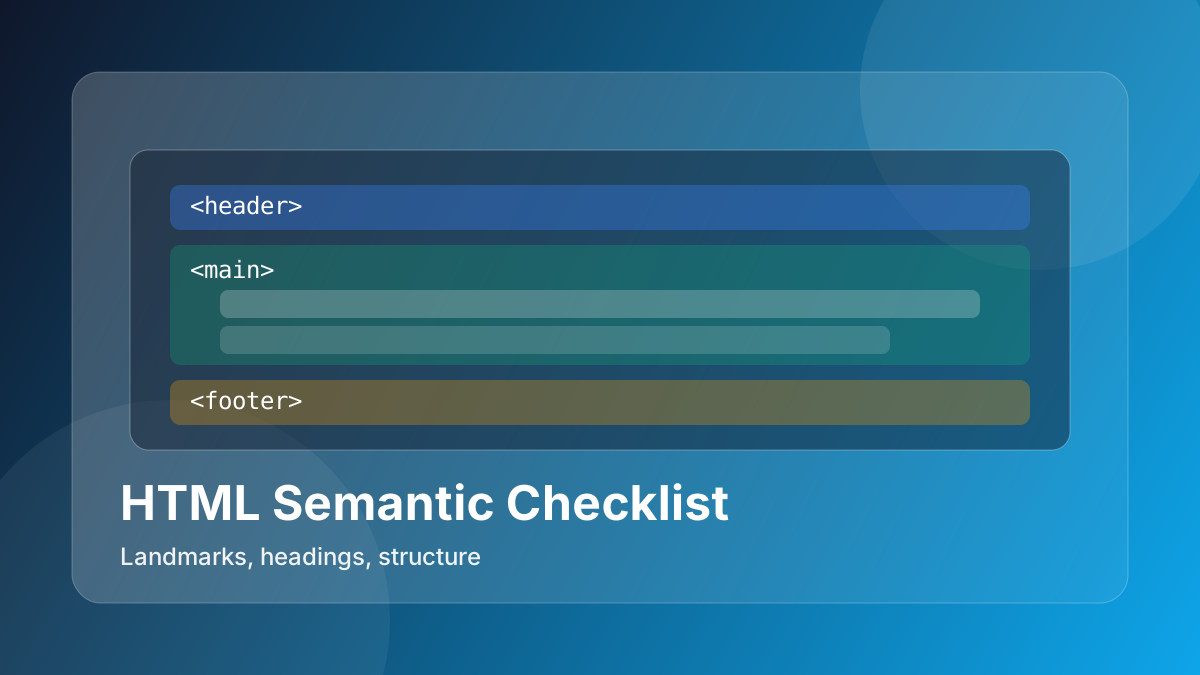
Your formatting should reveal document structure: header, nav, main, section, article, footer.
4. Avoid mixed formatting styles in one file
Consistency beats personal preference.
Fast Workflow for Messy Markup
When you receive unformatted HTML from legacy systems or copied snippets, run this sequence:
- HTML Formatter for structure.
- CSS Formatter for style readability.
- Plain Text Converter if content includes pasted rich text.
This sequence is usually enough to make legacy snippets reviewable.
What to Validate After Formatting
Formatting should not change behavior. Validate quickly:
- interactive elements still work
- text nodes did not shift in sensitive inline contexts
- aria attributes and IDs remain intact
- script placeholders still match runtime selectors
If behavior changed, your issue is not formatting alone; it is malformed source.
Team Policy You Can Adopt Today
Use this lightweight team policy:
- Format before opening PR.
- Do not mix semantic refactor and style-only reformat in one commit.
- Keep template partials and final compiled markup separate.
- Use code review to check structure, not whitespace bikeshedding.
This is enough for most teams to reduce HTML-related review churn.
Anti-Patterns to Avoid
- Formatting only after QA finds issues.
- Copy-pasting minified vendor snippets directly into templates.
- Combining major layout changes and massive reformatting in one diff.
- Ignoring accessibility landmarks because “it still renders”.